
When browsing the web in Silo for Research, you may occasionally encounter a full-page Chromium warning such as: "This site doesn't support a secure connection" or “Your connection is not private”
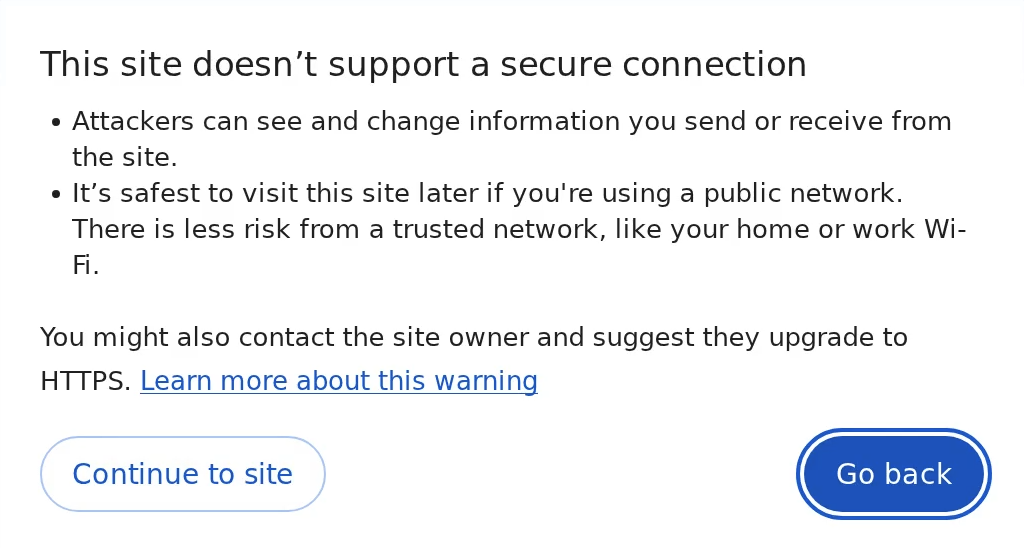
Below shows an error code like NET::ERR_CERT_INVALID, NET::ERR_CERT_AUTHORITY_INVALID, or NET::ERR_CERT_DATE_INVALID
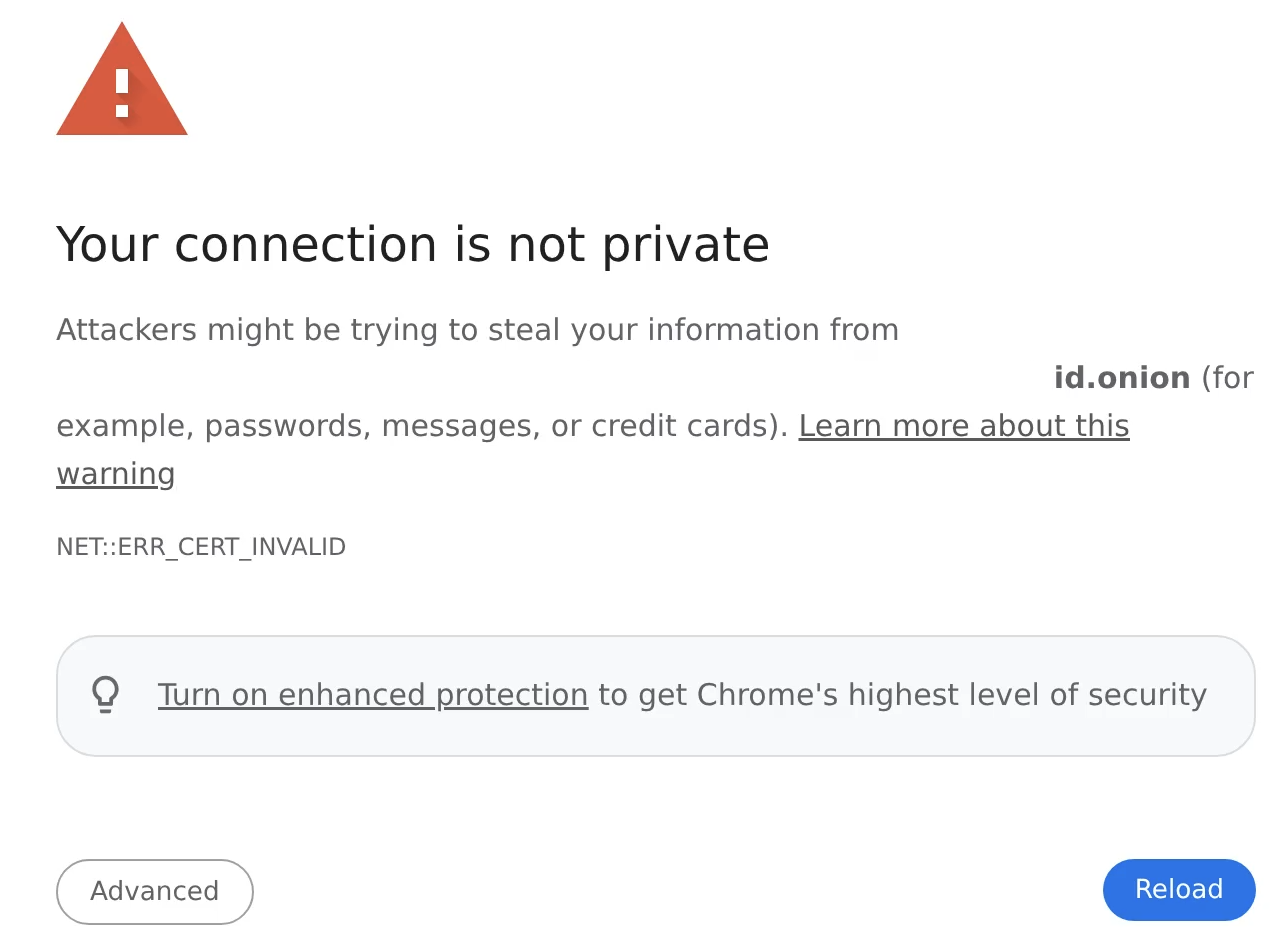
The warnings do not apply exclusively to Silo. In many Chromium-based browsers, this warning includes an Advanced option with a “Proceed anyway” link. In some cases, that option is not shown at all. This article explains how and why typing thisisunsafe can allow you to continue with the addition of risk details of using Silo for Research when compared to a local browser.
Step-by-step: Using thisisunsafe in Silo for Research
- Click once anywhere on the page
This ensures the Silo browser window has focus. - Type:
thisisunsafe- Do not type it into the address bar
- Do not include spaces
- No characters will appear on screen
- Wait briefly and if permitted, the page will load immediately after typing the final character.
What is thisisunsafe
thisisunsafeWarning Reasons
- Self-signed certificates (common in test, lab, or internal systems)
- Expired certificates
- Hostname mismatches
- Missing or untrusted certificate authorities
- The site enforces HTTP Strict Transport Security (HSTS), which tells browsers to never ignore certificate errors for that domain
- Browser or enterprise policy restricts SSL error overrides
If Bypass Does Not Work
If typing thisisunsafe has no effect, one or more of the following may apply:
- Stricter Chromium or policy-level blocking is in effect, preventing all SSL overrides
- The warning is not a standard certificate interstitial (some network or security blocks are not bypassable)
- The browser window does not have focus when typing
In these cases, the recommended approach is to address the root cause:
- Confirm whether the site uses HSTS and, therefore, intentionally disallows overrides
- Validate whether the certificate can be corrected (for example, by installing a proper certificate chain in the test environment)
- For repeated access, work with the site owner to deploy a valid certificate rather than relying on bypasses
When is it appropriate to use in Silo
thisisunsafe in Silo for Research is most appropriate when:- You are researching or investigating a known or intentionally misconfigured site
- You expect certificate issues (malware infrastructure, phishing sites, lab systems, or takedown-related content)
- You need to observe or analyze the site, not trust it
Isolation and Risk Model
- Browsing occurs inside an isolated container running in Authentic8’s cloud infrastructure
- Web content never executes directly on your local workstation
- Downloads, scripts, and page activity are contained within the Silo environment
- Your local device, network, and IP address are not directly exposed to the site
Key Takeaway
thisisunsafe is a Chromium-supported bypass mechanism used when the Proceed anyway option is unavailable. In Silo for Research, architectural isolation significantly reduces endpoint risk, making its use acceptable for investigation and analysis, subject to informed judgment regarding site trust and interaction.
Additional Reference
Please contact Support for any additional questions