
Silo Apps extend the power of the Silo for Research (SfR) platform from browser-only into a full suite of desktop applications—enabling analysts to access, collect, process, and analyze content across more sources within the same secure workspace.
All apps within a workspace share the same egress node, maintaining consistent attribution across browser, messaging, and desktop tools—while strict isolation ensures that no files or data ever touch the local device.
Silo apps are enabled and managed by your administrator. Please contact them for access.
Launch Silo Apps from a new or existing WorkSpace from the Silo Start page.
1. When enabled for your organization, from the Silo Start page, click on a Workspace (previously labelled Shortcuts) to launch an isolated workspace.
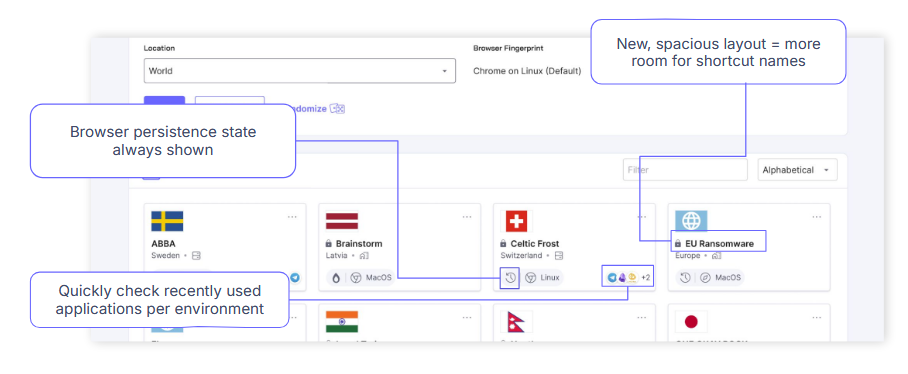
2. When Launched, the redesigned Workspace will show available Silo apps in the left-hand navigation panel under APPLICATIONS within the workspace where they are installed.
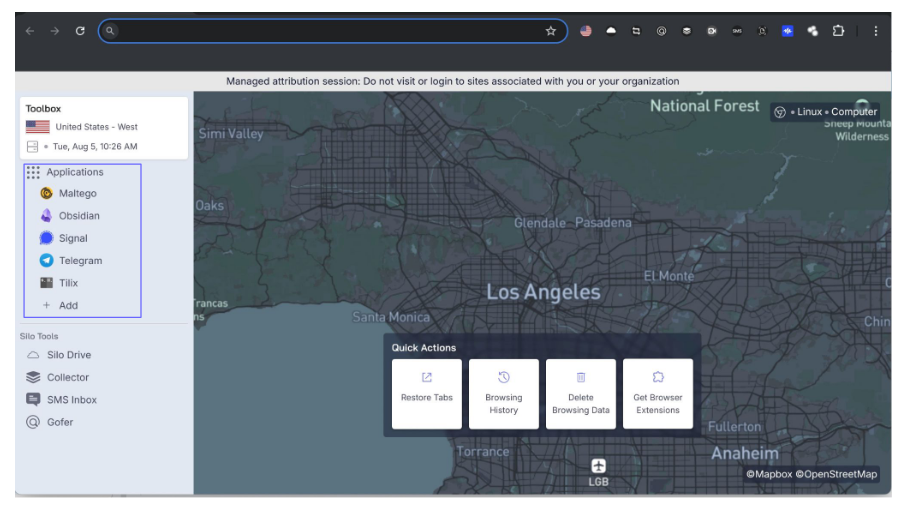
3. Installed apps open within the Silo workspace itself, offering a seamless and secure experience for end users
by combining the familiarity of local apps with the safety of cloud isolation.
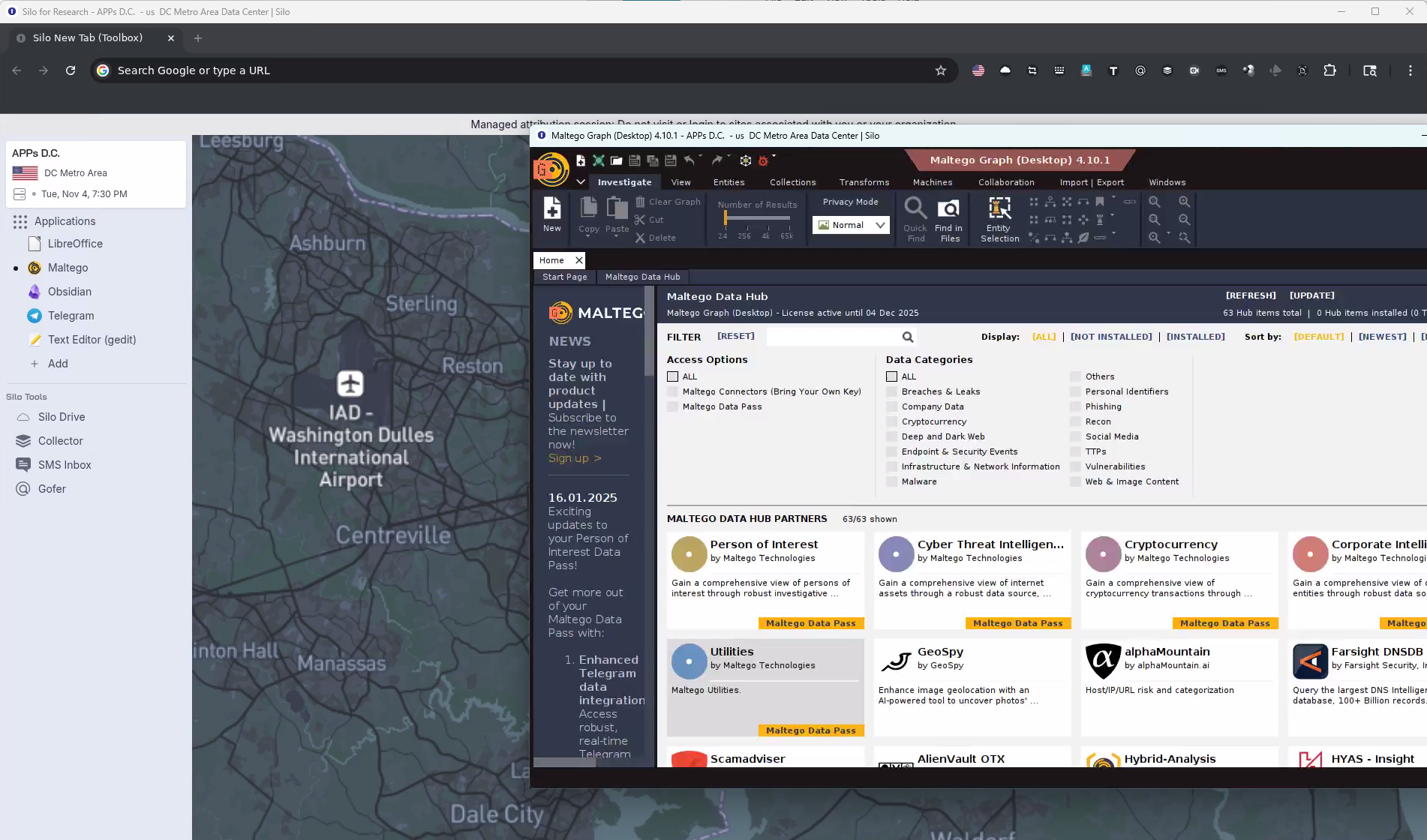
These are the Apps included now:
- Telegram: Popular messaging platform.
- LibreOffice: Comparable to MS Office, good for manipulating collected content
- Obsidian: Note-taking tool
- Text Editor (gedit): Notepad-style editor for taking notes, viewing logs, etc.
- Maltego: Graph analysis tool with data source integrations
New apps will be added based on customer feedback!
Please contact Support for Admin and User Guides and to share your feedback.